Your AI agent makes the sprites
Connect SpriteCook to your editor. Your AI writes the game, SpriteCook makes the art.
curl -fsSL https://spritecook.ai/install.sh | bashSetup, prompt, ship
Connect
Run the installer. It detects your editors and configures MCP.
Prompt
"Build a fishing game." Your AI figures out which assets it needs and generates them.
Ship
Sprites land in your project folder. Code references them. Game runs.

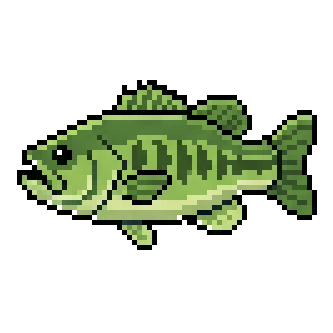

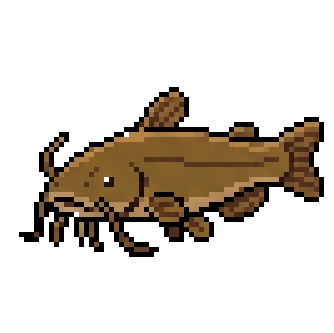
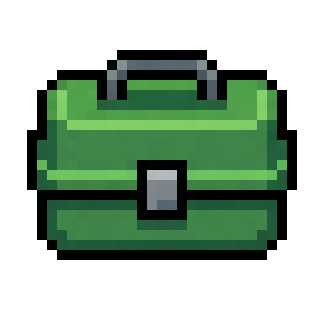
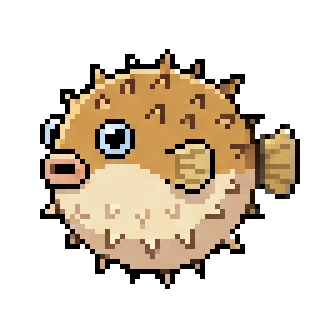
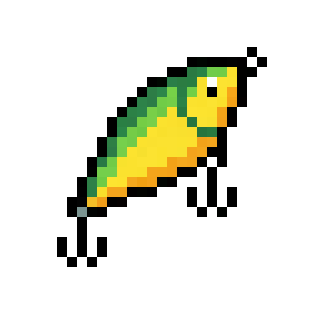
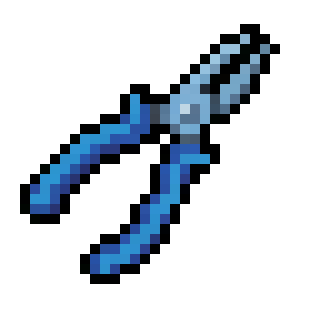
"Build me a fishing game"
You describe the game. Your agent plans the assets, generates them with consistent style, and wires them into your code.
Every asset matches
Style Reference
Generate one hero asset first. Pass its ID as reference_asset_id to everything after. Palette, proportions, and style match automatically.
Edit Existing
Need to tweak an asset? Pass its ID as edit_asset_id with a new prompt. "Add a red cape" or "make the sword glow."
Animation starts with an asset
Import Before Animate
If your agent starts from a local PNG or data URL, it should first import that image through POST /v1/api/assets/import and then animate the returned asset_id.
Keep Asset IDs Local
Strong agent workflows save important SpriteCook IDs in a local manifest like spritecook-assets.json so future animation, edit, and reference steps do not depend on the SpriteCook dashboard.